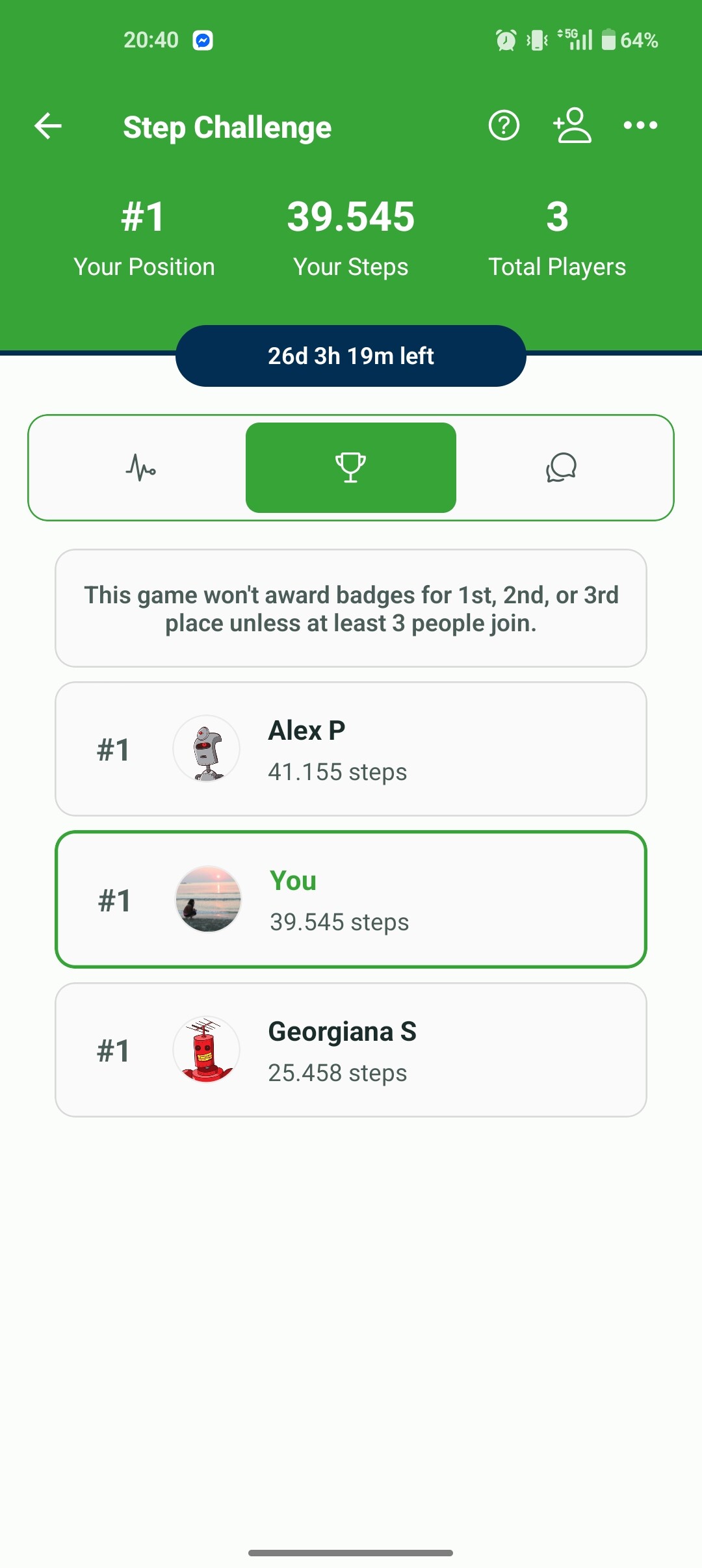
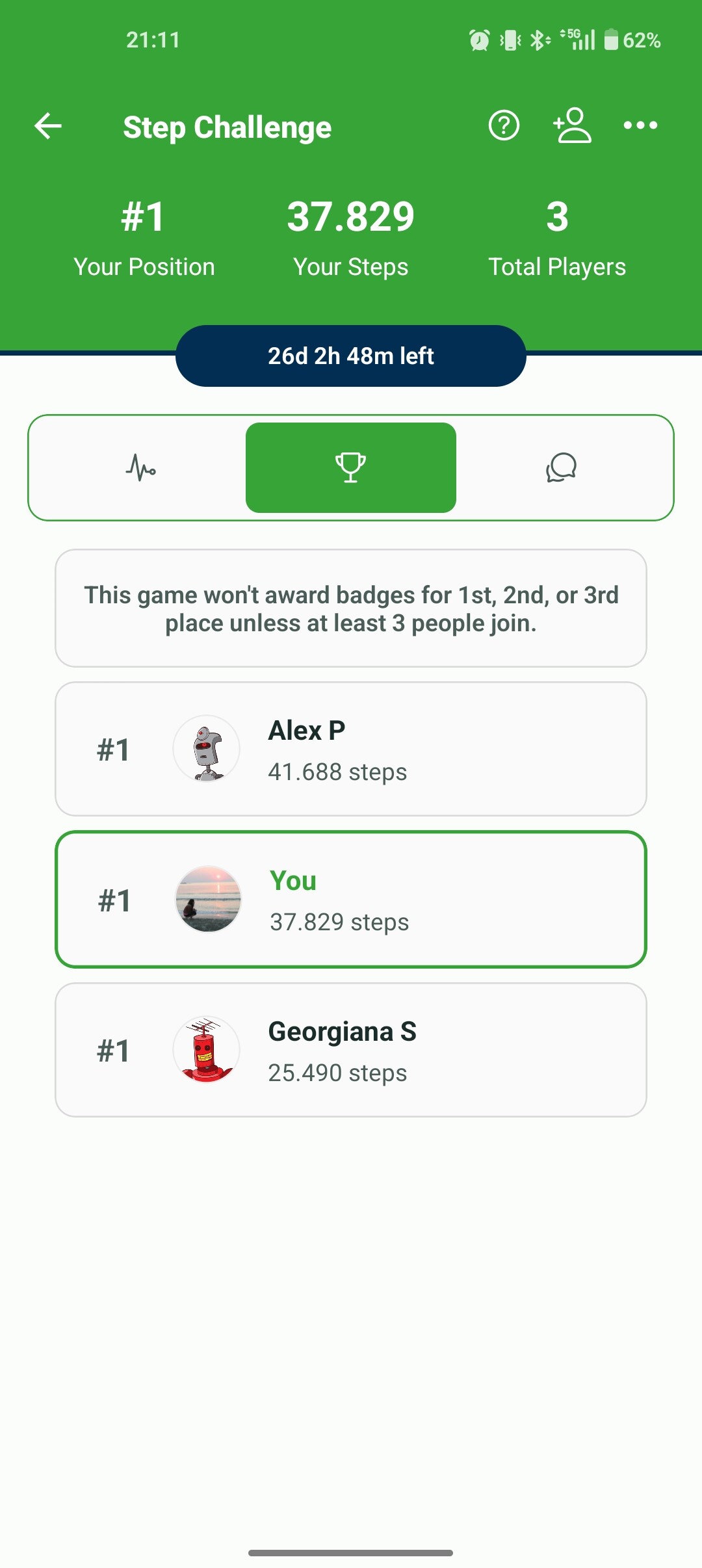
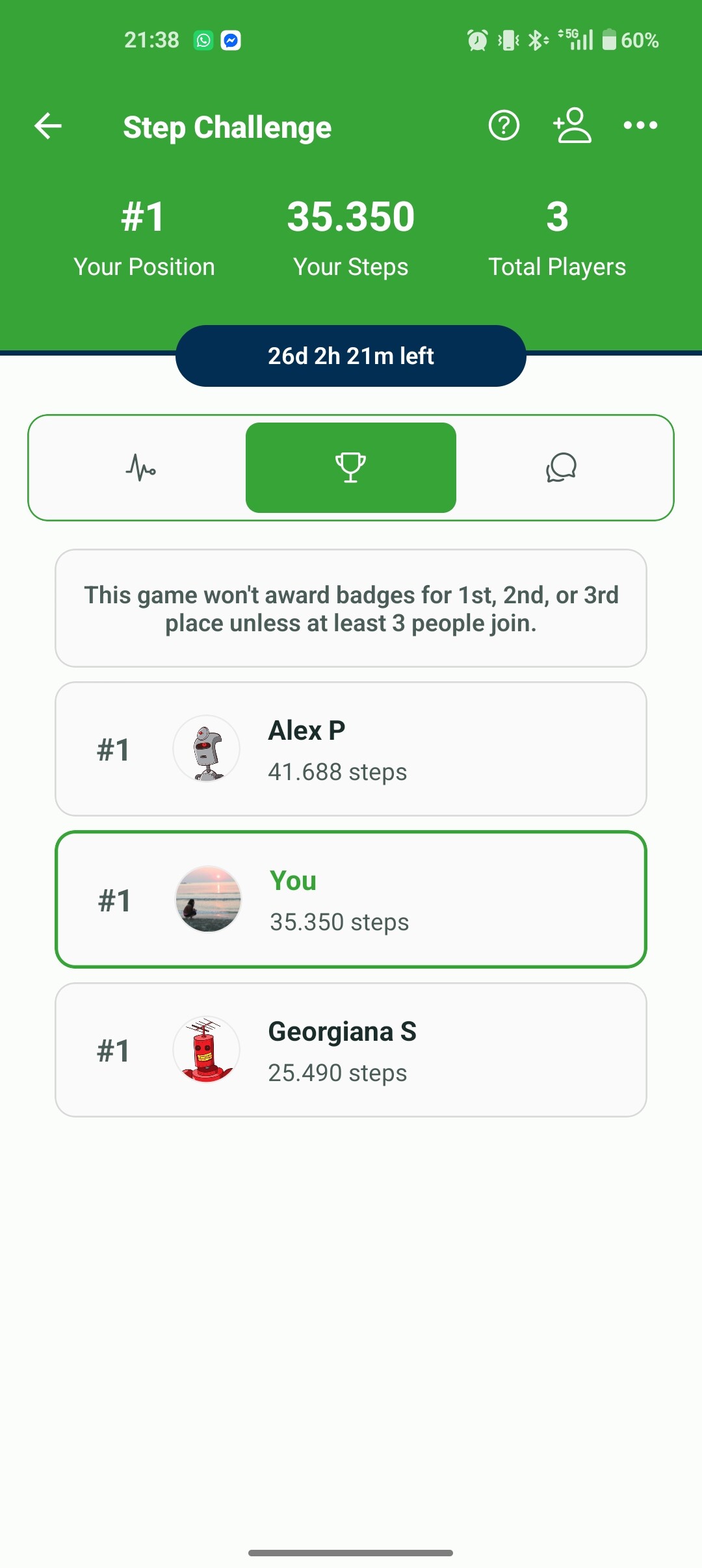
I am tracking my steps both in the StepSmash app and in the Samsung health app.
The Samsung health is synced perfectly with my watch, but in StepSmash I sometimes have less steps, for example in the step challenge I am about 3k steps less than in Samsung health
One thing I noticed today was that I got in the app at one point, had a certain number of steps, then got in later and I had less steps
I also participated in the bingo challenge and “spent” some steps there. Maybe they got subtracted in my step challenge as well, or is that intended behaviour?
Let me know if there’s other info I can give you that can be helpful regarding this
Would you be open to joining our closed beta on Google Play? That would let us get pre-release builds to you more quickly while we work through this.
We’ve been seeing some persistent issues specifically with Samsung Health step syncing, and so far we have not had many users follow up after reporting it. That has made it a lot harder to pin down the root cause. Having someone willing to test fixes and share results would be a big help.
Thanks again for being willing to help us dig into this. We really appreciate it!
I’ve added the email address associated with your StepSmash account to our Google Play beta group. If that email address does not match the Google Play account on your device, please send me a DM with the correct email and I’ll add that one instead.
If a beta build ends up being especially rough, you can opt back out at any time from that same link and reinstall the stable release.
We have a build going out now with additional debug logging specifically for Samsung Health syncing. Based on your original report, my best guess is that this is either a lingering daylight savings-related bug in Samsung Health’s SDK, a bug in how we’re handling the data in the app, or an issue on the server while saving it.
The latest build with the extra logging is now live on the beta track in Google Play.
Once you’ve installed it, please just use the app as you normally would. We’ll start reviewing the new logs alongside what the server and database are doing so we can see whether something is going wrong in that layer.
If you notice your steps drop again, it would be especially helpful if you could let me know roughly when it happened and what time you were using the app when you saw it. That will let me take a much closer look at the sync session from your device around that exact time.
Hopefully the issue will become apparent quickly and we can get it fixed (but of course now that we’re looking closely your steps will probably sync perfectly from here on out)
This is very helpful, thanks! We’re narrowing down on an issue with with server->database interaction and we’ve got a build going out to our servers that adds additional logging to give us more troubleshooting data
Oh cool! I have several personal connections to Romania and had the chance to spend a week traveling there last spring. It’s such a beautiful country!
For client-based integrations, the app first checks with the server to figure out how far back it needs to sync.
As part of this latest change, we temporarily set that lookback window to 7 days for Samsung Health accounts that had not yet synced against the current server version. That gave the app a chance to catch up and restore any missing data from that period.
After your account completed that 7-day sync on this build, it should have increased your total by roughly 17,000 steps for that timeframe
Thank you so much for taking the time to help reproduce the issue and install test builds of the app!